Business Card Mockup V. 1
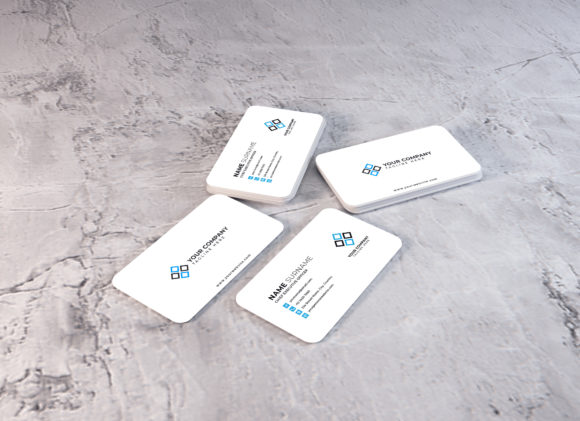
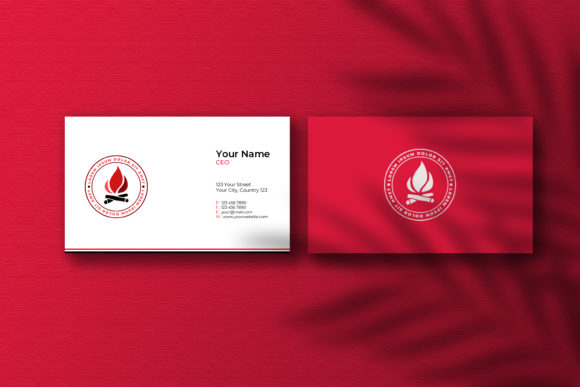
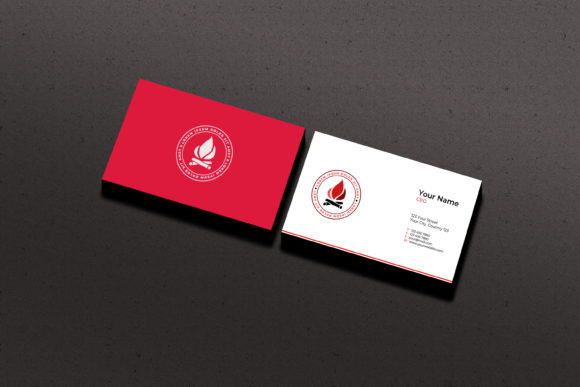
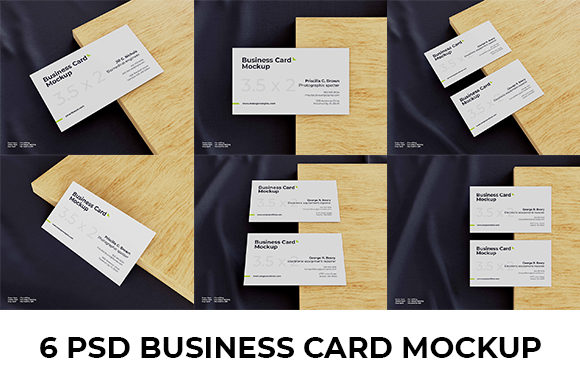
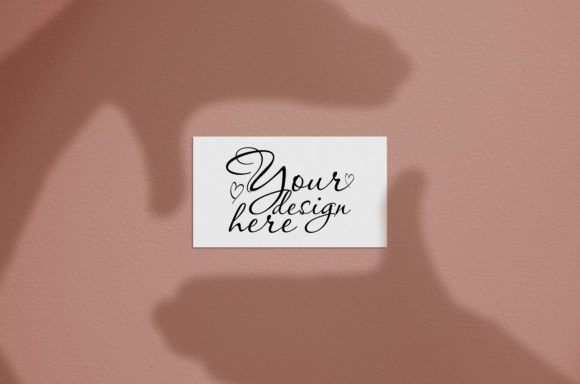
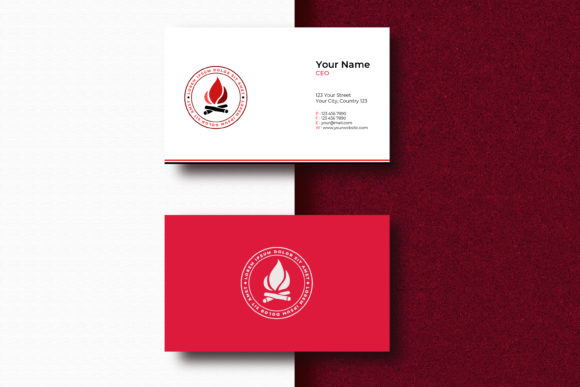
Business Card Mockup V. 1 is a powerful tool for designers, entrepreneurs, and professionals looking to present their work in a realistic and professional way. This mockup allows you to showcase your business card designs as if they were real, giving clients and customers a clear idea of how the final product will look.
Whether you're creating a new brand identity or updating an existing one, this mockup helps you visualize your design in a high-quality format. It’s ideal for presentations, portfolio displays, and marketing materials where realism matters.
What Makes Business Card Mockup V. 1 Unique?
Unlike generic templates, Business Card Mockup V. 1 offers a fully layered Photoshop (PSD) file that gives you complete control over every detail. The use of smart objects makes it easy to swap out your own designs without affecting the rest of the layout. This feature saves time and ensures consistency across different versions of your card.
The mockup also includes a realistic photo background, making your design stand out with a professional touch. With a resolution of 3000 × 2000 pixels and optimized for 300 DPI, it delivers crisp and clear results suitable for both digital and print use.
Key Features of Business Card Mockup V. 1
- Smart Object Feature: Easily replace your design with just a few clicks.
- Realistic Photo: High-quality background that mimics real-world conditions.
- Fully Layered PSD: Customize every element of the mockup without limitations.
- Well-Structured Layers: Organized layers make editing and adjustments straightforward.
- High Resolution: 3000 × 2000 pixel size ensures sharp visuals at any scale.
- 300 DPI Optimized: Perfect for print-ready outputs.
Who Can Benefit from Business Card Mockup V. 1?
Business Card Mockup V. 1 is designed for a wide range of users. From beginners learning the basics of design to experienced professionals looking for efficiency, this tool can help anyone create a polished presentation of their work.
For small business owners, it’s a great way to show potential clients what their branding will look like before printing. For freelancers and creatives, it adds a professional edge to their portfolios. Educators and students can use it to demonstrate design concepts in a practical setting.
How to Use Business Card Mockup V. 1
Using Business Card Mockup V. 1 is straightforward. Once you open the PSD file in Adobe Photoshop, you can access the smart object layer containing your business card design. Simply double-click the layer to replace it with your own artwork.
This process works seamlessly, allowing you to experiment with different layouts, colors, and fonts without altering the rest of the mockup. You can also adjust lighting, shadows, and other effects to match your desired style.
Practical Use Cases for Business Card Mockup V. 1
Imagine you’re a graphic designer working on a new logo and business card for a client. Instead of sending them a flat image, you can use Business Card Mockup V. 1 to show them how the card will look in real life. This visual representation can make a big difference in decision-making.
Another example is a startup founder preparing a pitch deck. Including a mockup of their business card in the presentation adds credibility and shows attention to detail. It also helps investors or partners get a better sense of the brand's overall aesthetic.
Considerations Before Using Business Card Mockup V. 1
Before diving into Business Card Mockup V. 1, it’s important to have a basic understanding of Adobe Photoshop. While the smart object feature simplifies the process, knowing how to navigate layers and adjust settings can enhance your experience.
You should also ensure that your design files are properly formatted for the mockup. This includes using the correct dimensions, resolution, and color profiles. Taking these steps ensures that your final output looks professional and consistent.
Why Choose Business Card Mockup V. 1 Over Other Options?
Many business card mockups available online are either low-resolution or lack the flexibility needed for custom designs. Business Card Mockup V. 1 stands out by offering a balance of quality, ease of use, and customization options.
Its realistic look and high-resolution output make it ideal for both digital and print purposes. Whether you’re sharing your design via email, social media, or in-person meetings, it provides a polished and professional appearance.
Final Thoughts on Business Card Mockup V. 1
Business Card Mockup V. 1 is more than just a design tool—it’s a valuable asset for anyone looking to present their work with confidence. Its combination of realism, flexibility, and quality makes it a must-have for designers, entrepreneurs, and professionals alike.
By using this mockup, you can elevate your branding efforts and create a lasting impression. Whether you're just starting out or looking to refine your workflow, Business Card Mockup V. 1 offers the tools and features needed to bring your vision to life.